Now you’ve made it to the page builder, we need to quickly discuss how Divi’s blocks work.
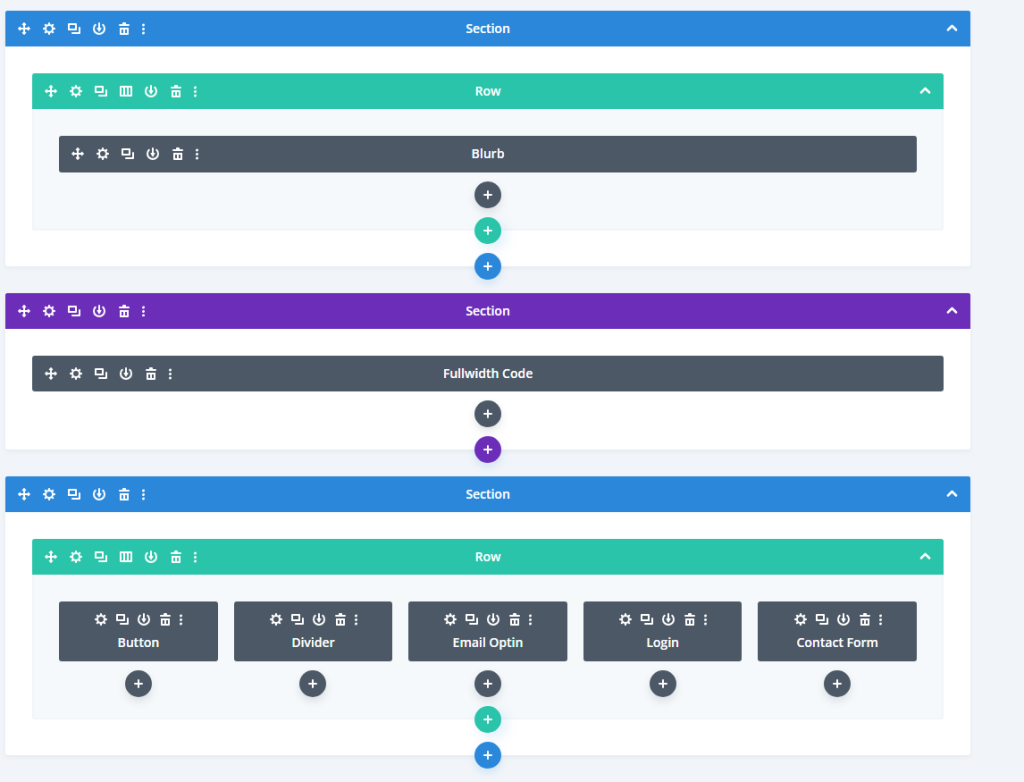
The above image shows a webpage built with Divi inside of the block form.
Divi makes everything super simple, you add a section, a row and then the module in that row.
Section->Row->Module
The sections are usually in Blue or Purple where Blue indicates as a standard section & Purple is equal to a Fullwidth Section.
Rows
Row’s decide how the content is displayed within that section as shown below:
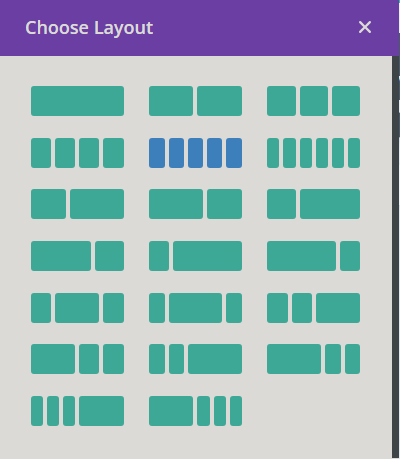
With these Row Layouts, you can choose a certain layout depending on what you want to the content to look like and how many modules you would like in a single row.

This layout has only one box which represents that it will contain a singular module and will take up the entire space.
Modules
Modules sounds confusing, but it is what you will be using through-out your website, buttons, contact forms, pricing tables and many more!
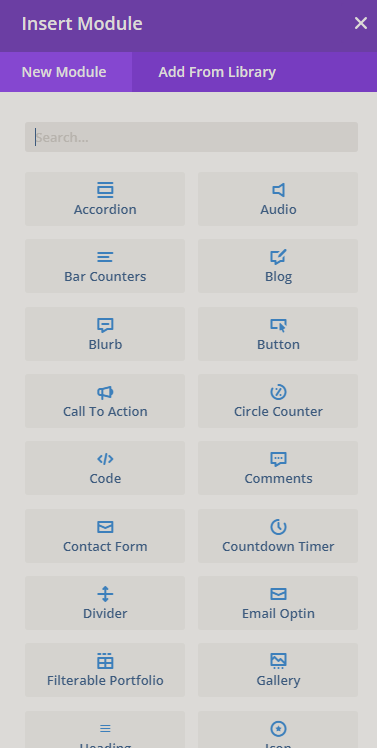
These modules are fully customisable and can be put next to each other easily.