Once logged into your WordPress back-end, you may find that it looks rather intimidating if you have never seen or used WordPress before.
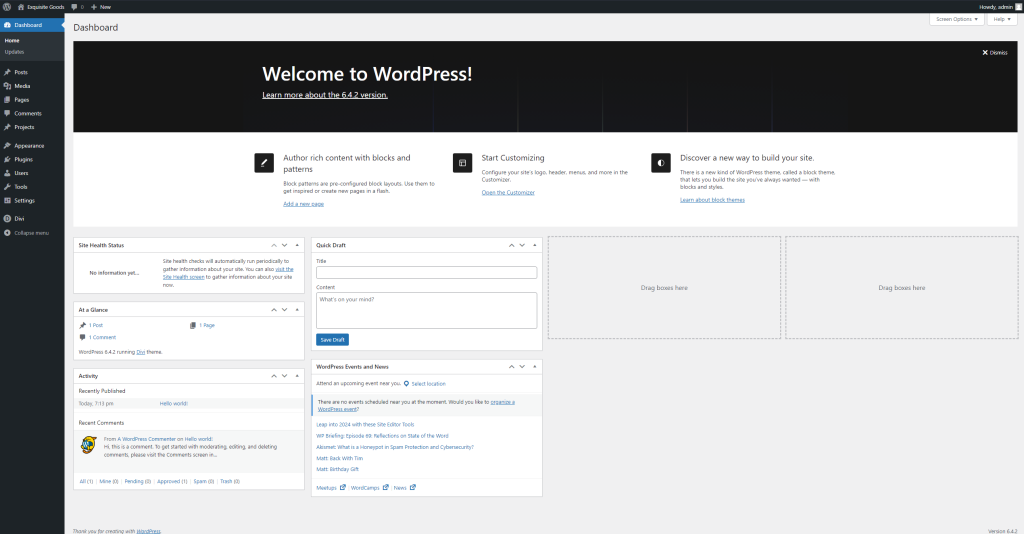
Above, you can see the main dashboard that you see as soon as you log into the admin area. It does look intimidating when you first see this page but it’s not so bad once you have a deeper look at it.
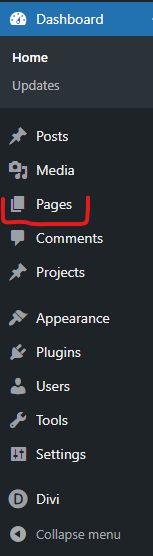
For pages specifically, we are looking for the ‘Pages’ tab on the left hand side.
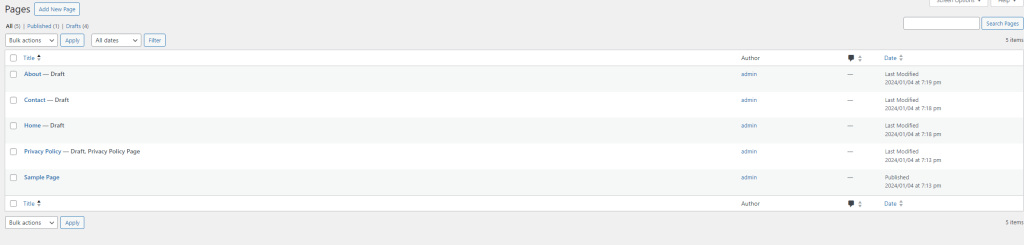
Here it will return the list of all pages for your website!
That’s it (For now :p).